Buying a Shanghai SIM card on arrival used to be the obvious choice for budget-conscious travelers. In 2026, the landscape has shifted: overseas eSIMs are now usually faster to set up, cheaper for short trips, and don’t trap your data behind China’s Great Firewall. This Shanghai SIM card and internet guide for tourists covers every option — local SIM cards from China’s three carriers, the airport SIM kiosks, eSIM alternatives, public WiFi, what actually works once you land, and a clear recommendation for each type of traveler.
The short version, if you only read one paragraph: unless you are staying more than a month, buy an overseas travel eSIM before you fly, keep your home SIM in the phone for bank verification texts, and do not plan on sorting anything out at the airport. Everything below is the reasoning, the numbers, and the edge cases.
Table of Contents
- Shanghai SIM Card and Internet: Quick Recommendation by Trip Type
- All Your Options
- Local Chinese SIM Cards: What They Cost
- Buying at the Airport
- Overseas eSIM (Best for Most)
- Before You Fly: A Setup Checklist
- Public WiFi in Shanghai
- The Great Firewall Problem
- The Apps You Actually Need Working
- Shanghai SIM Card vs eSIM: Cost & Speed Comparison
- Common Mistakes
- Practical Tips
- FAQ
Shanghai SIM Card and Internet: Quick Recommendation by Trip Type
- 1–14 days, want unrestricted Google/WhatsApp: Overseas eSIM (Holafly or Nomad)
- 1+ month, business or extended stay: Local Chinese SIM + VPN
- Budget under ¥100/week: Local Chinese SIM, use Baidu/WeChat for navigation
- Layover under 24 hours: Airport WiFi or roaming on home plan
- Multiple devices needed: Pocket WiFi rental (¥30–60/day)
- Travelling on to Hong Kong or Macau: a Hong Kong travel SIM covers all three and routes outside the mainland
- eSIM-only phone with no SIM tray: overseas eSIM is your only realistic option — see the warning below
All Your Options
You have four practical ways to stay connected in Shanghai:
- Buy a Chinese SIM card from China Mobile, China Unicom, or China Telecom. Cheapest but firewall applies.
- Activate an overseas eSIM like Holafly or Nomad before you fly. Slightly pricier but bypasses the firewall on mobile data.
- Use international roaming on your home plan. Most expensive but zero setup.
- Rent a pocket WiFi device (4G/5G hotspot). Best for groups.
The distinction that matters is not price or speed. It is where your traffic exits the network. A Chinese SIM puts you inside the mainland internet, where Google and WhatsApp are blocked. A travel eSIM roams onto a Chinese network but routes your data back out through Hong Kong or Singapore, so you land on the open internet. Everything else follows from that single technical difference.
Local Chinese SIM Cards: What They Cost
Three state carriers operate in Shanghai:
- China Mobile (中国移动) — the largest network with the most rural coverage and best signal in older buildings
- China Unicom (中国联通) — slightly better data speeds; better customer service for foreigners
- China Telecom (中国电信) — third largest; competitive pricing
Tourist plans typically cost ¥80–200 for 1–2 weeks with 5–20 GB data plus minimal calling minutes. Thirty-day packages are where the value sits: China Unicom’s standard tourist tiers run roughly ¥99 for 20 GB, ¥150 for 50 GB with 100 local minutes, and around ¥200 for 100 GB with unlimited local calls. China Mobile and China Telecom price within a few tens of yuan of that. Sold-at-the-airport versions of the same plans cost noticeably more (see below).
To buy a SIM in person you need:
- Your passport (real-name registration is legally required)
- An unlocked phone that supports 4G/5G frequencies (most international phones do)
- Cash or Alipay/WeChat Pay for top-up
The trap nobody warns you about: Chinese carriers do not sell eSIM profiles to short-stay foreign visitors. If your phone has no physical SIM tray — every iPhone sold in the United States since the iPhone 14, and a growing number of other models — you cannot use a local Chinese SIM at all. Check for a tray before you build a plan around one.
Registration takes 10–20 minutes in a carrier shop and involves a passport scan and a photograph. Bring the actual passport; a photocopy will be refused. Central Shanghai has China Unicom and China Mobile shops on Nanjing East Road, around People’s Square and in most large malls, and staff at the busier branches can usually manage the transaction in basic English.

Buying at the Airport
Both Pudong (PVG) and Hongqiao (SHA) have SIM card counters in arrivals halls:
- Look for “China Mobile” or “China Unicom” booths after baggage claim
- Tourist SIM packages: ¥80–150 for 7-day 5GB plans; ¥150–250 for 14-day 15GB
- 5–10 minute setup; staff usually speak basic English
- Convenient but airport prices are 20–40% above city centre carrier shops
- Make sure your phone is unlocked before flying
At Pudong specifically there are three separate sellers, and they do not charge the same. One counter sits opposite baggage belt 28, before you clear customs; a second is in the arrivals hall to the right as you come out; a third, trading as Cheerway Easy Go, is about 20 metres further along the same wall. The third is consistently the cheapest — recent surveys found 30-day China Mobile bundles around ¥150–200 for 20–30 GB there against ¥200–260 for comparable plans at the other two, with 100 GB, 60-day China Unicom packages topping out near ¥500. The counters run 24 hours and take international credit cards as well as cash, which is genuinely useful on a 1am arrival.
Whether it is worth stopping depends on how much time you have. If you are connecting or racing for the last train into the city centre, skip it — the counters add 10–15 minutes and you will pay a premium for the privilege. Our Shanghai airport arrival guide walks through the rest of the sequence, and there is a separate Hongqiao airport guide if you are flying in domestically.
Better alternatives: in-town China Unicom shops on Nanjing Road, or just buying through Trip.com / Klook as a pre-flight collection.

Overseas eSIM (Best for Most)
For most 2026 travelers, an overseas eSIM is the best single choice. Because it routes traffic through networks outside mainland China, your mobile data automatically bypasses the Great Firewall — Google Maps, WhatsApp, Instagram, and Gmail all work normally without a VPN.
Top providers:
- Holafly China eSIM — unlimited data, roughly $26 for 5 days rising to $60–70 for 30 days; the easiest “just works” choice, with tunnelling built into the app
- Nomad China eSIM — pay-by-GB, roughly $14–25 for 5 GB depending on the promotion running
- Airalo China eSIM — cheapest per gigabyte, around $5 for 1 GB up to about $32 for 20 GB over 30 days; check that the specific plan routes via Hong Kong before you buy, because not all Airalo regional plans do
- Trip.com / China Mobile international — good for travelers but doesn’t bypass firewall
- 3 Hong Kong travel SIM — a physical card, around $35 for 20 GB over a year, covering the mainland, Hong Kong, Macau and dozens of other countries. Only practical if you can pick one up in Hong Kong or order it by post
Independent testing in Shanghai has clocked the better China eSIMs at roughly 25–50 Mbps down on 5G in the city centre — slower than a raw local 5G SIM, fast enough for maps, video calls and uploading photos, and dropping to 20–30 Mbps in smaller cities. That is the trade you are making: a modest speed penalty in exchange for never thinking about the firewall.
Two limitations worth knowing. eSIM plans are data-only — you get no Chinese phone number, which matters for any service that wants to send you a +86 verification code. And “unlimited” plans throttle after a fair-use threshold that providers rarely publish clearly, usually somewhere between 5 and 10 GB per day.
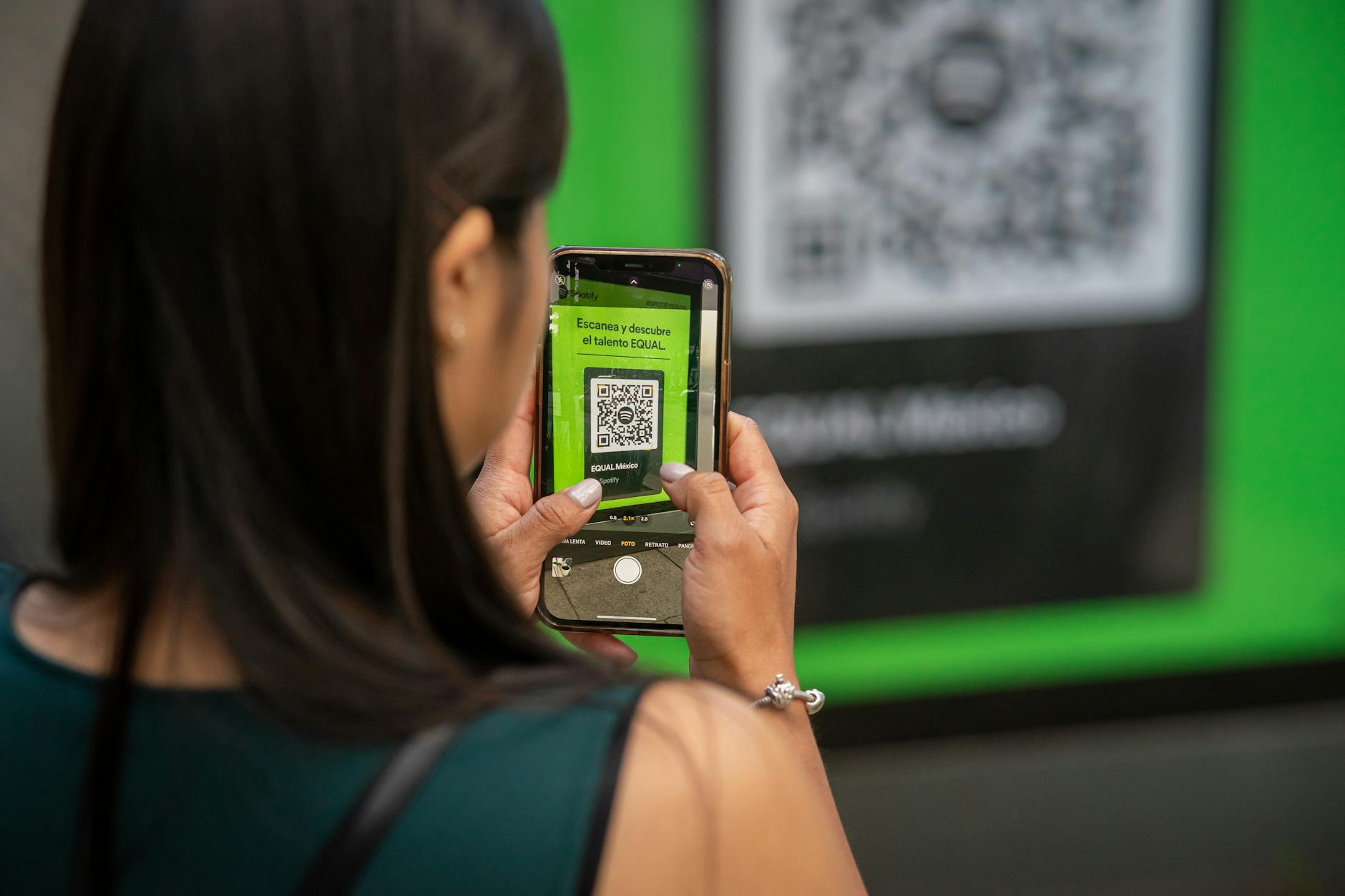
Activation: buy via the provider’s app or website before you fly. Scan the QR code, follow the setup wizard, and add the eSIM to your phone. Keep your home SIM active for calls/SMS, set the eSIM as the data line. See our VPN & internet guide.
Before You Fly: A Setup Checklist
Almost every connectivity horror story in China traces back to something that should have been done at home. Work through this list the week before departure.
- Check your phone has a SIM tray, or accept that eSIM is your only route.
- Buy and install the eSIM profile a day or two out. Installing needs internet; activating usually happens when you land. Do not leave the QR code scan for the plane.
- Install a VPN and test it — VPN provider websites are blocked from inside China, so you cannot download one after you arrive. Install two if you are relying on one.
- Set up Alipay and WeChat, link an international Visa or Mastercard, and make a small test transaction. Both accept foreign phone numbers.
- Download offline maps in Google Maps or Maps.me for central Shanghai, plus a translation app with the offline Chinese pack.
- Screenshot your hotel’s name and address in Chinese characters and save it to your favourites album.
- Check your home carrier’s roaming rates so you know what a fallback day costs.
Our Shanghai packing checklist and first-time visitor guide cover the non-digital half of the same preparation.
Public WiFi in Shanghai
WiFi is widely available but rarely smooth:
- Airports — free WiFi; passport verification required at PVG; faster than expected; behind firewall
- Major hotels — included with most stays; behind firewall
- Coffee shops & restaurants — WiFi available but often requires SMS verification (Chinese phone number needed)
- Metro stations — limited free WiFi; restricted to a few sites
- Shopping malls — increasingly common; SMS verification standard
- Public squares (Bund, People’s Square) — patchy at best
At Pudong the network is called #AIRPORTPVG-FREE-WIFI and there are two ways in. You can enter a mobile number and take an SMS code — the system accepts numbers from more than 220 countries, so your home number usually works if you have roaming switched on. Or you can use one of the self-service WiFi ticket machines, which scan your passport and print login credentials in about ten seconds. In Terminal 1 they sit near the international information counter by gates 17/18, at gates 19/20, and at domestic gates 8/9; in Terminal 2, near the international information counter by gate D73, at gate D75, and at domestic gate C58.
Practical issue: Western travelers often can’t easily verify via SMS because Chinese WiFi portals require a +86 phone number. Workarounds: hotel staff can sometimes verify with their number; you can use roaming or eSIM for the verification SMS; or simply skip public WiFi.
One habit worth forming: if you are on a travel eSIM, turn WiFi off when you leave the hotel. Phones auto-join open networks, and the moment yours does, your traffic is back inside the firewall and your maps stop loading. It is the single most common reason people report their “eSIM stopped working”.
The Great Firewall Problem
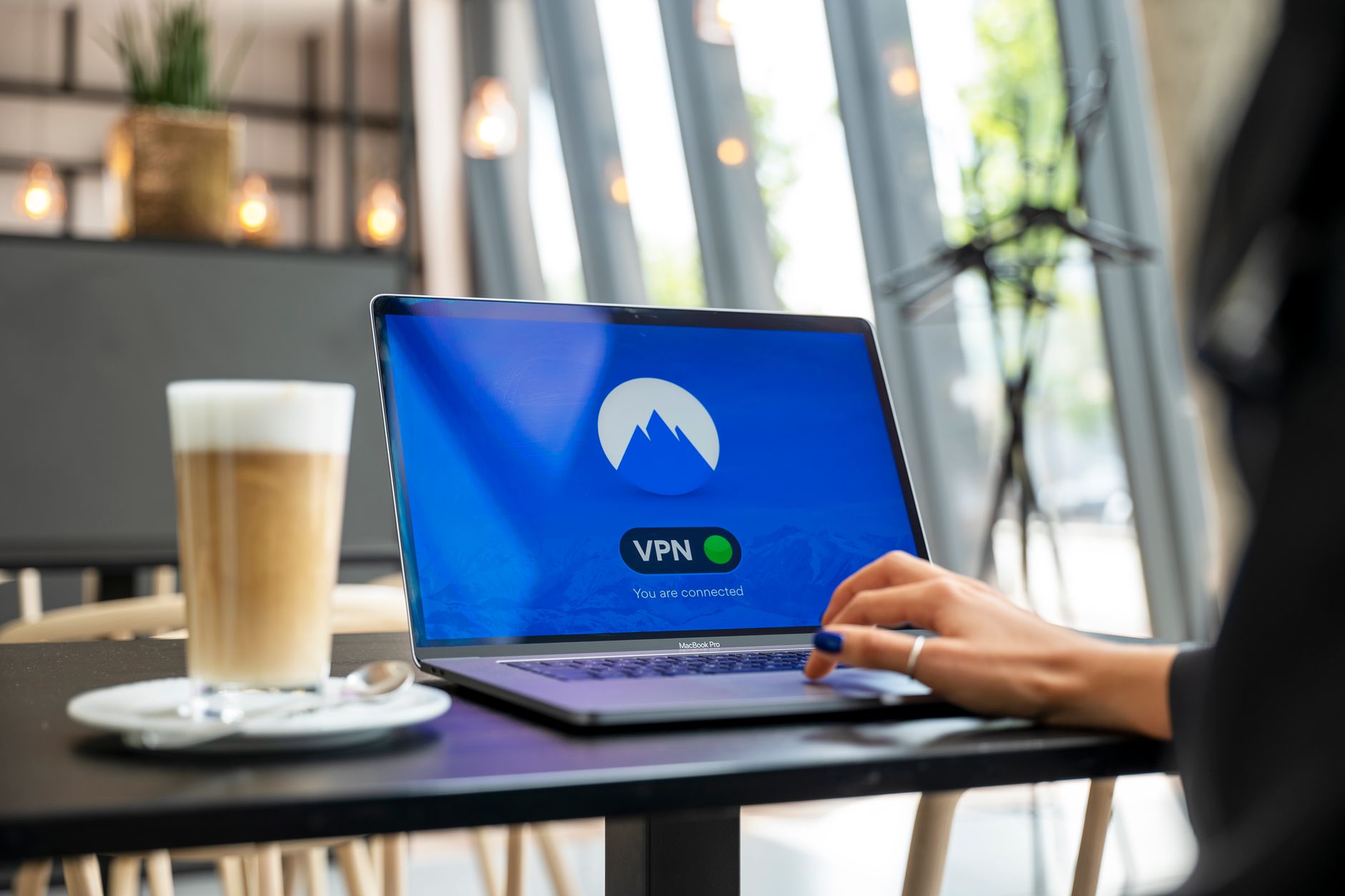
Any Chinese SIM or WiFi connection routes you through Chinese ISPs, where the Great Firewall blocks Google, WhatsApp, Instagram, Facebook, and many Western sites. To bypass it on a local SIM you need a working VPN (Astrill, ExpressVPN — install before flying since most VPN websites are themselves blocked).
What is blocked, in practice: Google in all its forms (search, Maps, Gmail, Drive, Photos), YouTube, WhatsApp, Signal, Telegram, Instagram, Facebook, X, most Western news sites, Wikipedia, and a long list of others. What generally works without help: Apple services including iMessage, the App Store and Apple Maps, Microsoft Outlook and Bing, Amazon, Booking.com and Airbnb, and most airline and bank apps. That last group is why a lot of travellers get by on hotel WiFi more comfortably than they expected.
VPN performance is the wildcard. Consumer VPNs are actively targeted and a service that worked last month may crawl or fail this month, particularly around politically sensitive dates. If your trip depends on a VPN, install two from different providers and pay for the ones with a dedicated China-obfuscation mode. The Great Firewall is a moving target, not a fixed list.
An overseas eSIM bypasses this automatically on mobile data only; if you connect to hotel WiFi to save data, you’re back behind the firewall.
This is the single biggest reason to choose overseas eSIM over local SIM: instant unrestricted internet without needing to maintain a VPN.
The Apps You Actually Need Working
Connectivity is only a means to an end. These are the apps that determine whether your week runs smoothly, and how each one behaves on a Chinese connection.
| App | What it’s for | Works on a local SIM? |
|---|---|---|
| Alipay | Paying for everything; also has a metro QR ticket, taxi booking and translator built in | Yes — designed for it |
| Payments, messaging, venue mini-programs, restaurant menus | Yes | |
| Amap (Gaode) or Baidu Maps | Navigation and transit directions; Amap has an English mode | Yes, and more accurate here than Google |
| DiDi | Ride-hailing, with an English interface | Yes |
| Google Maps | Navigation, saved pins | No — needs eSIM or VPN, and its China data is poor anyway |
| WhatsApp / Instagram | Staying in touch, posting | No — needs eSIM or VPN |
| Translation (Google Translate, Baidu Translate) | Menus, signs, conversations | Baidu yes; Google needs a workaround, so download offline packs |
Alipay and WeChat Pay both register with a foreign phone number and link an international Visa or Mastercard, and between them they cover almost every payment situation in the city. Expect a service fee of roughly 3% on larger card-funded transactions; small ones are usually free. Details are in our money and currency exchange guide, and using DiDi in Shanghai covers ride-hailing setup. If your Chinese is non-existent, the language barrier tips guide explains which translation tools survive a patchy connection.
Shanghai SIM Card vs eSIM: Cost & Speed Comparison
For a 7-day trip with moderate use (~10 GB):
- Local China Unicom SIM: ¥150 (~$22). Speed: 4G/5G excellent. Firewall: yes (need VPN).
- Holafly China eSIM: $55 unlimited. Speed: 4G/5G good. Firewall: bypassed automatically.
- Nomad China eSIM: $25 for 5GB. Speed: 4G/5G good. Firewall: bypassed.
- Home plan roaming: $50–200 depending on carrier. Speed: variable.
- Pocket WiFi rental: ¥200–500/week. Speed: 4G. Firewall: yes (need VPN).
| Option | 7-day cost | Chinese number? | Firewall | Best for |
|---|---|---|---|---|
| Local SIM (Unicom/Mobile) | ¥99–200 | Yes | Applies — VPN needed | Long stays, heavy data, anyone needing a +86 number |
| Airalo-style pay-per-GB eSIM | $10–32 | No | Bypassed | Light users who mostly need maps and messaging |
| Unlimited eSIM (Holafly) | $26–40 | No | Bypassed | Heavy users, video calls, tethering a laptop |
| Home roaming | $35–105 | No | Usually bypassed | Short layovers, people who refuse to fiddle |
| Pocket WiFi rental | ¥200–500 | No | Applies — VPN needed | Families and groups sharing one connection |
| Hong Kong travel SIM | ~$35 (long validity) | +852 number | Bypassed | Trips combining the mainland with Hong Kong or Macau |
For a solo traveller on a week-long trip, the honest answer is that a $20–30 eSIM beats a ¥150 local SIM once you price in the hour you spend registering it and the VPN subscription you need to make it usable. For a family of four, a local SIM in one phone plus tethering, or a pocket WiFi, wins on cost. Our Shanghai on a budget guide puts these numbers next to everything else you will spend.
Common Mistakes
- Waiting until you land to buy a VPN. The websites are blocked. This is the classic and it strands people for days.
- Assuming an eSIM-capable phone can take a Chinese SIM. No SIM tray means no local carrier, full stop.
- Leaving WiFi on with a travel eSIM. Your phone silently rejoins a hotel network and everything breaks.
- Buying the first SIM package you see at Pudong. Three counters, three price lists, 20 metres apart.
- Relying on Google Maps for transit. Even unblocked, its Shanghai bus and metro data lags well behind Amap. The Shanghai metro guide and Alipay’s transit QR are more reliable.
- Not keeping the home SIM active. Bank and email two-factor codes go to that number, and you will need one at the worst possible moment.
- Trusting “unlimited”. Read the fair-use line before you tether a laptop for a working day.
Practical Tips
- Activate your eSIM the day before you fly — activation requires internet
- Bring your unlocked phone — China carriers don’t sell unlocked phones to tourists
- Keep your home SIM for SMS-based 2FA from your bank/Google
- Top-up local SIMs via Alipay — easier than carrier counters
- Save your hotel address and emergency contacts offline in case internet fails
- Test your VPN at home before flying; the VPN site is likely blocked from inside China
- Power banks are heavier-than-usual must-haves; phone use peaks for translation, payments, maps
- Check the CCC mark on your power bank. Since mid-2025 the Civil Aviation Administration of China has barred passengers from carrying power banks without a valid CCC marking, or from recalled batches, on flights within China — the rule is set out on the CAAC’s own announcement. It bites on domestic connections, not just Chinese-registered airlines
- Treat open WiFi as open. Fine for browsing, not for banking — use mobile data or a VPN for anything sensitive, and don’t share your hotel WiFi password with random WeChat contacts. Our scams guide covers the offline equivalents
- Carry a printed backup of your hotel address and your first day’s plan. Phones die, and Shanghai runs on QR codes
Frequently Asked Questions
Should I buy a SIM card in Shanghai?
Only if you need 1+ months of stay or want the cheapest option. For most short trips, an overseas eSIM (Holafly, Nomad) is the easier choice and bypasses the firewall.
How much does a Shanghai SIM card cost?
¥80–250 for 1–2 weeks of data + minutes from China Mobile or China Unicom. Airport prices are 20–40% higher than city centre carrier shops.
Can foreigners buy a Chinese SIM card?
Yes — bring your passport for the legally required real-name registration. Both airport counters and in-town carrier shops sell to tourists.
Is China Mobile or China Unicom better for tourists?
China Unicom typically has slightly better data speeds and better customer service for foreigners. China Mobile has more rural coverage if you’re going outside Shanghai.
Do I need a VPN with a Chinese SIM?
Yes if you want to use Google, WhatsApp, Instagram, or other blocked Western services. Install your VPN (Astrill, ExpressVPN) before flying since VPN provider websites are blocked from inside China.
Does my US/UK/EU SIM work in Shanghai?
Yes via international roaming if your home plan supports it. Most carriers charge $5–15/day. Check your plan before flying.
Is WiFi free in Shanghai?
Many hotels, malls, and airports offer free WiFi, but most require SMS verification with a Chinese phone number, and all are behind the Great Firewall.
What’s the fastest internet option in Shanghai?
5G on a local Chinese SIM offers the fastest raw speeds. Overseas eSIMs are slightly slower but unrestricted — net experience is often better.
Can I use an eSIM in China if my phone has no SIM tray?
Yes, and it is your only option. A travel eSIM from a provider such as Airalo, Holafly or Saily installs over WiFi at home and roams onto a Chinese network when you land. What you cannot do is buy a Chinese carrier plan, because they are not issued as eSIM profiles to short-stay visitors.
Do I need a Chinese phone number for Alipay and WeChat Pay?
No. Both accept foreign mobile numbers and link international Visa and Mastercard. A +86 number is only needed for some local services — WiFi portals, a few delivery and ticketing apps, and some venue bookings.
Will my eSIM work the moment I land at Pudong?
Usually within a minute or two of switching off airplane mode, provided you installed the profile before flying and enabled data roaming on that line. If nothing appears, toggle airplane mode once and check the eSIM is set as the data line rather than your home SIM.
How much data does a week in Shanghai actually use?
Maps, messaging, payments and light social use come to roughly 3–5 GB a week. Add video calls, streaming or tethering a laptop and it climbs to 10–15 GB. Buy 10 GB unless you know you are a heavy user.
Plan the Rest of Your Trip
Combine with our pillar guides on Shanghai on a budget, VPN & internet guide, and practical tips. Short on time between flights? The Shanghai layover guide explains what is realistic without leaving the airport network. For background, see Telecommunications in China on Wikipedia.